Showing posts with label KDE Desktop. What is GNOME Desktop. Show all posts

Monday, June 10, 2013

GNOME VS KDE

Difference between GNOME & KDE


‘Gnome’ and ‘KDE’ are among the oldest and the most widely used desktop environments in GNU/Linux. They’re both basically trying to achieve the same goal — creation of a fully functional and an easy to use desktop, interestingly though, by based on two entirely different ideals.
Gnome tries to follow the ‘philosophy’ of ‘Unix’ (another operating system that ‘inspired’ the initial development of ‘GNU/Linux’), ‘do one thing and do it well’, thus their applications are extremely simple and don’t have a lot of configuration options (very similar to Apple’s Mac OS’s UI guidelines).
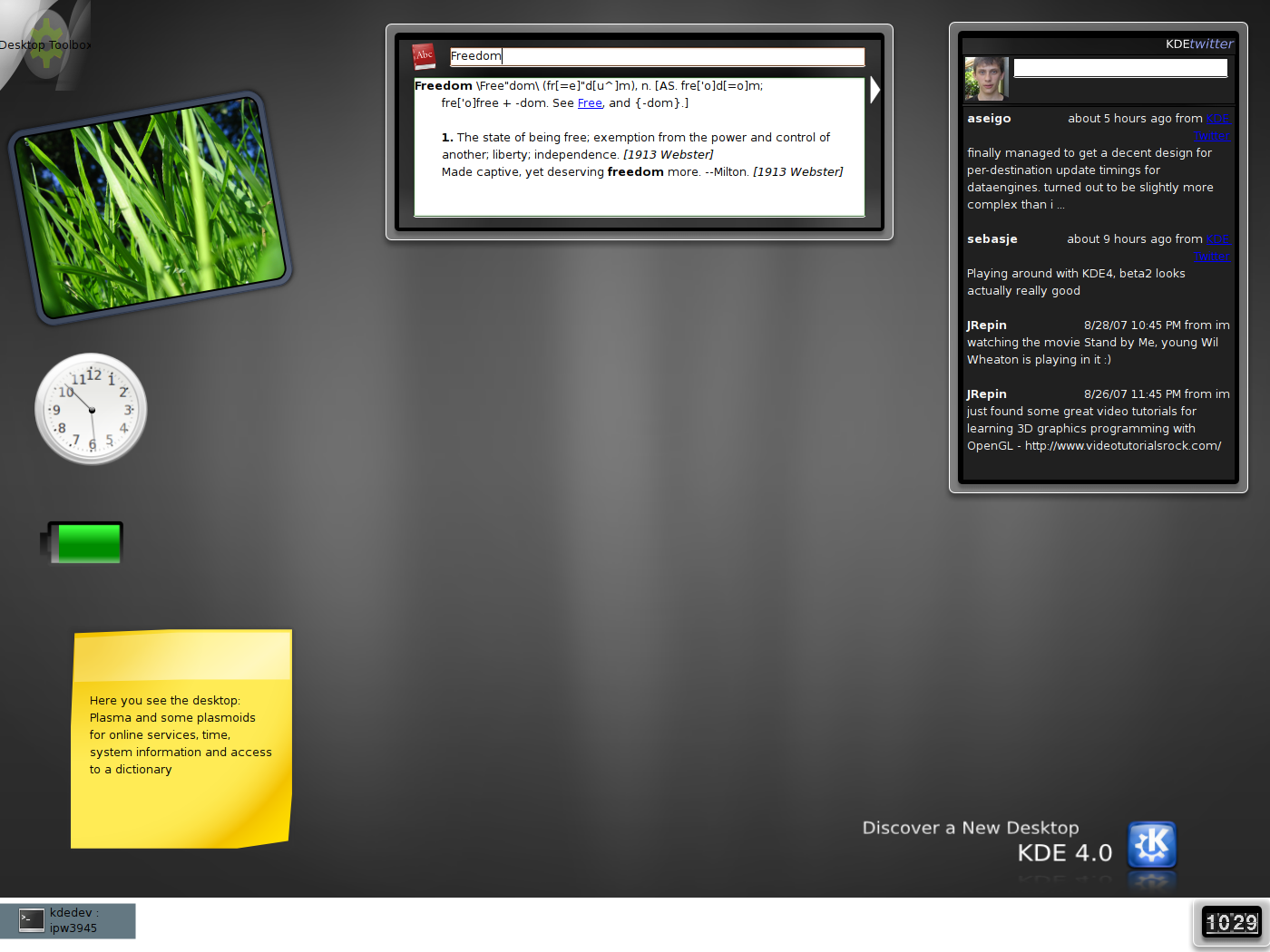
KDE on the other hand, comes with a lot of options and features so the users are given the ‘freedom’ to interact and customize applications the way they want. With the version ’4.0′, KDE too underwent a lot of UI changes and as a result nowadays it looks a lot simpler than how it used to be (when comparing with 3.0 or latter versions for instance).
It might seem that they both belong to the same ‘group’ of people, sharing the same belief system. I may have extracted the ‘wrong bits’ from my experiences, but I think that both Gnome & KDE developers disagree with each other, fundamentally.


GNOME desktop initialization

Initialization about GNOME desktop


If the system is configured to boot to run level 3 (console mode) the X-Windows is started by the command xinit. If configured to boot to run level 5 then the gdm will be executed at system start-up. The choice of using the KDE (kdm) or GNOME (gdm) login manager is set in the config file /etc/sysconfig/desktop. There are two options:
  • DESKTOP="GNOME"
    (Configure with: /usr/sbin/gdmsetup)
    or
  • DISPLAYMANAGER="KDE"
GDM Startup:
  1. X-Windows command xinit:
    • /etc/X11/xinit/xinitrc
      which sets the environment and calls:
    • /etc/X11/xinit/xinitrc-common
      which set the root window, sets resource files for the:
      • keyboard (/etc/X11/Xmodmap)
      • fonts (/etc/X11/Xresources)
      • ...
      and executes X-Windows start-up scripts in /etc/X11/xinit/xinitrc.d/...
    • /etc/X11/xinit/xinput.d/...
      language configurations ...
  2. The login screen: /usr/bin/gdm
  3. X-windows script /etc/X11/xdm/Xsession starts X-windows session and then calls /usr/bin/gnome-session
  4. gnome-session : This sets up GNOME desktop environment.
    Config file: /usr/share/gnome/default.session
    01# This is the default session that is launched if the user doesn't
    02# already have a session.
    03# The RestartCommand specifies the command to run from the $PATH.
    04# The Priority determines the order in which the commands are started
    05# (with Priority = 0 first) and defaults to 50.
    06# The id provides a name that is unique within this file and passed to the
    07# app as the client id which it must use to register with gnome-session.
    08# The clients must be numbered from 0 to the value of num_clients - 1.
    09 
    10[Default]
    11num_clients=7
    120,id=default0
    130,Priority=60
    140,RestartCommand=<b>pam-panel-icon</b> --sm-client-id default0
    151,id=default1
    161,Priority=10
    171,RestartCommand=<b>gnome-wm</b> --default-wm gnome-wm --sm-client-id default1
    182,id=default2
    192,Priority=40
    202,RestartCommand=<b>gnome-panel</b> --sm-client-id default2
    213,id=default3
    223,Priority=40
    233,RestartCommand=<b>nautilus</b> --no-default-window --sm-client-id default3
    244,id=default4
    254,Priority=60
    264,RestartCommand=<b>rhn-applet-gui</b> --sm-client-id default4
    275,id=default5
    285,Priority=50
    295,RestartCommand=<b>eggcups</b> --sm-client-id default5
    306,id=default6
    316,Priority=40
    326,RestartCommand=<b>magicdev</b> --sm-client-id default6
    This config file lists the GNOME processes to start. GUI configuration tools:
    • /usr/bin/gnome-session-properties
    • /usr/bin/gnome-session-remove
    • /usr/bin/gnome-session-save
    gnome-session executable and config file starts:
    • pam-panel-icon
    • gnome-wm (Script /usr/bin/gnome-wm to start window manager)
      Script also identified in config file: /usr/share/gnome/default.wm
      1[Default]
      2WM=gnome-wm
      Uses first window manager found in list in script: i.e. metacity sawfish sawmill enlightenment icewm wmaker fvwm2 qvwm fvwm twm kwm
      Gnome-wm also uses environment variable: WINDOW_MANAGER
      Script then uses gconftool to set gconf key. (gconf key: /desktop/gnome/applications/window_manager/default) Also starts omf
      Configure with /usr/bin/gnome-session-properties
    • gnome-panel (toolbar)
      Configure with gnome-panel-properties-capplet
      Add launcher with gnome-panel-add-launcher
    • nautilus : Manages desktop icons and provides a file manager.
    • rhn-applet-gui : up2date and network alert notification tool.
    • eggcups : printer support
    • magicdev
      CD and DVD mounter. Config tool: gnome-cd-properties
      Config files:
      • /etc/gconf/schemas/magicdev.schemas
      • /usr/share/applications/gnome-cd-properties.desktop
    Also uses ~/.gnome/session (Mine is empty)
    Can save with save-session for later start-up.
GDM commands:
  • GDM Configuration GUI: /usr/sbin/gdmconfig (same as gdmsetup)

  • Re-Start:
    • Red Hat/Fedora Core: /usr/sbin/gdm-restart
      /usr/sbin/gdm-safe-restart
    • S.u.S.e.: /opt/gnome/sbin/gdm-restart
      /opt/gnome/sbin/gdm-safe-restart
  • Stop:
    • Red Hat/Fedora Core: /usr/sbin/gdm-stop
    • S.u.S.e.: /opt/gnome/sbin/gdm-stop
Components: ORBit: CORBA drag-drop Uses libgnorba for CORBA registry which calls gnome-name-service. gnome-name-service - Orbit name service GOAD is the GNOME Object Activation Directory. It keeps track of the CORBA object implementations on system.
Red Hat / Fedora Packages: usermode-gtk gnome-session magicdev gnome-panel

Knowing about Red Hat Desktop

Red Hat Desktop


Two kinds of Red Hat Linux, Version 6 Desktop


1. Gnome Desktop
2. KDE Desktop


GNOME Desktop: GNOME is a desktop environment and graphical user interface that runs on top of a computer operating system. It is composed entirely of free and open source software and is developed by both volunteers and paid contributors, the largest corporate contributor being Red Hat. It is an international project that includes creating software development frameworks, selecting application software for the desktop, and working on the programs that manage application launching, file handling, and window and task management.


KDE Desktop: KDE is an international free software community[1] producing an integrated set of cross-platform applications designed to run on Linux, FreeBSD, Solaris, Microsoft Windows, and OS X systems. It is known for its Plasma Desktop, a desktop environment provided as the default working environment on many Linux distributions, such as Kubuntu, Pardus, and openSUSE.